

SaltQuill TradesThe trades edition of SaltQuill Labs

More booked jobs. Fewer missed calls.

Websites and AI automation for plumbers, electricians, HVAC, roofers, painters, landscapers, cleaners, remodelers and auto shops. Quote requests with photos, real booking and follow-ups that run on their own.

  • One-thumb forms, built for phones
  • Fixed fee, scoped in writing
  • Websites + AI automation
Two roofers in high-visibility shirts and safety harnesses working on a shingle roof
On site · Roofing

Sample · quote request

A quote request your crew can act on.

This is what a homeowner fills in on their phone: the job, a couple of photos and a ZIP check. You get the lead with everything attached before you call back.

  1. 01Pick the job
  2. 02Add photos
  3. 03ZIP check, then sent
Request a quoteStep 3 of 3

What needs fixing?

ZIP 12345 · in your service area
Send request✓ Sent. Crew lead notified
Sample UI2 photos attached

01Who we build for

Built around how your trade gets booked.

Each build starts from the workflow your crew already runs. These are the patterns we set up by trade, then tailor in the scoping call.

Job sheetcontents
Trades9
Per trade3 setups
Then4 things homeowners look for
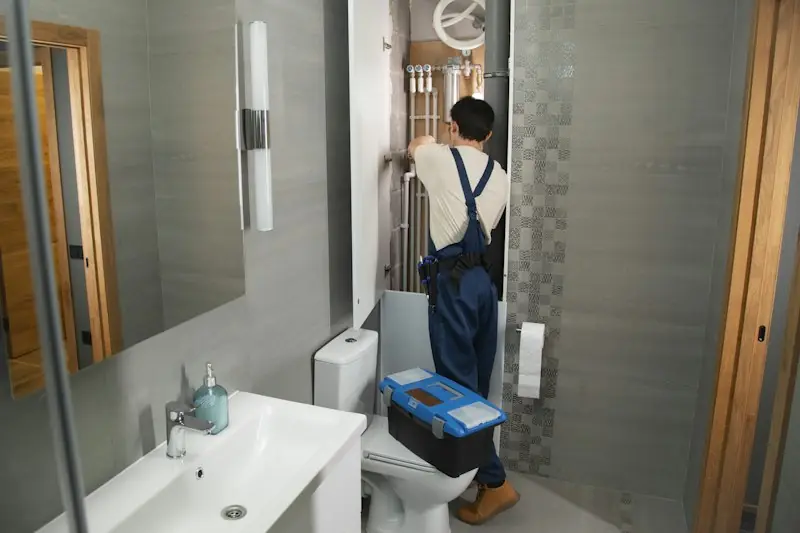
01 · PlumbingPlumber in overalls carrying a toolbox into a bathroom to work on the pipes

Plumbing

Emergency and scheduled calls on one site.

  • Emergency call-out button with tap-to-call, plus a calendar for non-urgent visits
  • Quote form that asks for leak photos and the fixture involved
  • ZIP check before anyone fills in a form
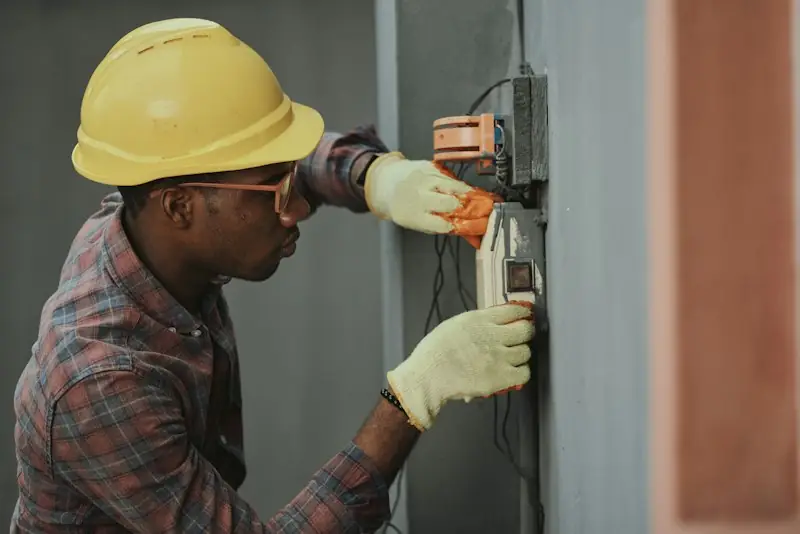
02 · ElectricalElectrician in a yellow hard hat and gloves installing wiring in a wall box

Electrical

Safety and credentials up front.

  • License and insurance panel on every page
  • Panel upgrade, EV charger and rewiring requests with photo upload
  • Estimate calendar with confirmation and reminder messages
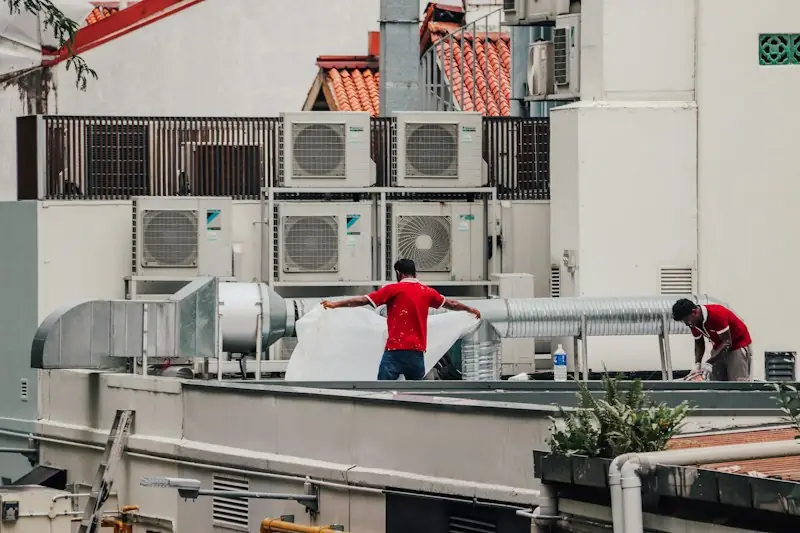
03 · HVACTwo HVAC technicians working among rooftop air conditioning condenser units

HVAC

Seasonal demand, handled calmly.

  • No-heat and no-cooling urgent path, separate from tune-up booking
  • Maintenance reminders before each season
  • Financing link on replacement quotes
04 · RoofingRoofer carrying a bundle of shingles across a residential roof with stacked bundles nearby

Roofing

High-ticket jobs need trust and photos.

  • Inspection booking plus photo upload for storm damage
  • Before and after gallery by project type
  • Estimate follow-ups that keep the quote warm
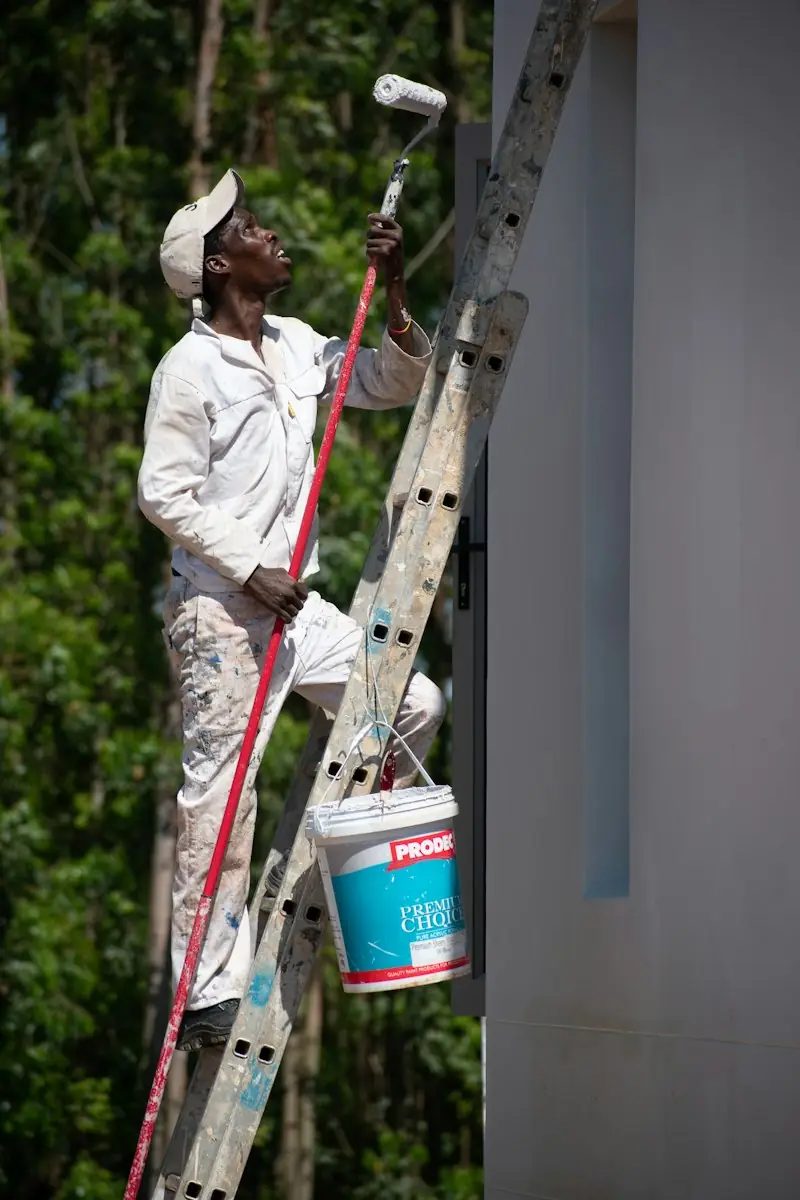
05 · PaintingPainter on a ladder rolling white paint onto an exterior wall

Painting

Sell the finish, then the schedule.

  • Interior and exterior quote form with room count and photos
  • Gallery filtered by room or surface
  • Estimate visit calendar and job-start reminders
06 · LandscapingLandscaping crew member in green workwear pushing a wheelbarrow across a lawn

Landscaping

Recurring work and seasonal projects.

  • Recurring service sign-up, with accounts to manage visits
  • Project gallery from design to finished yard
  • Service-area pages by town, each with its own content
07 · CleaningHouse cleaner carrying a cleaning caddy and broom up the stairs of a home

Cleaning

Clear options, repeat bookings.

  • Booking calendar by home size and service type
  • Customer accounts to rebook or change a visit
  • Careers form for hiring cleaners, kept apart from customer leads
Cleaning company website design →
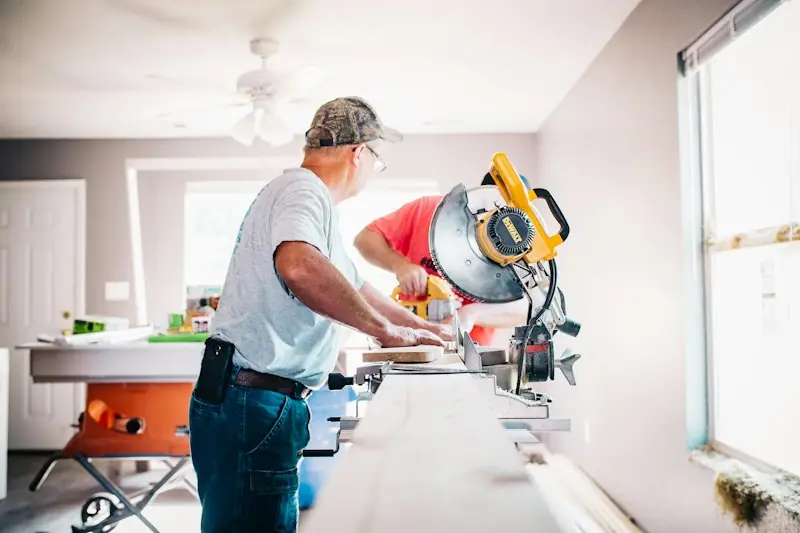
08 · RemodelingRemodeling carpenters cutting trim on a miter saw inside a house under renovation

Remodeling

Long sales cycles, many touchpoints.

  • Project-scoping form: rooms, budget range, timeline, inspiration photos
  • Portfolio by room with before and after sliders
  • Multi-step follow-up after the estimate
Contractor website design →
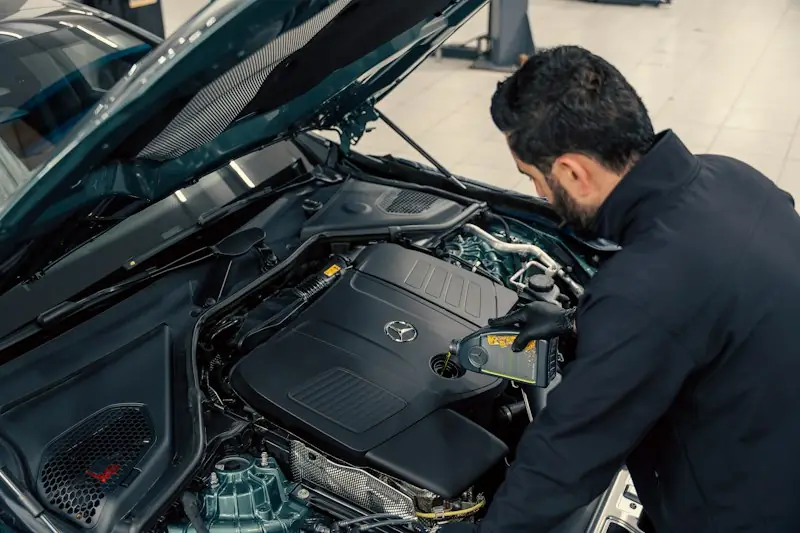
09 · AutoMechanic leaning over an open car engine bay in a workshop

Auto repair & detailing

Drop-off friendly, trust-led.

  • Booking by service, with make, model and issue captured up front
  • Status updates and pick-up notices by text or email
  • Detailing packages shown with before and after photos
A fast way to reach youTap-to-call and a short quote form, one thumb away, for emergencies and planned work.
Proof you're legitLicense, insurance and warranty terms in a fixed place, not buried on an About page.
Your work, shownBefore and after galleries and recent reviews, using your own project photos.
Found locallyA tuned Google Business Profile, pages for the areas you serve and clean structured data.

02Workflows

What happens when a customer taps.

Four jobs your site and automations do while you're on a ladder, under a sink or behind the wheel. Every screen below is a sample built to show the flow.

Job sheetcontents
01Quote + photos
02Booking + job texts
03AI text-back
04ZIP area check
Roofer pulling damaged shingles off a house roof with a pry bar
Request a quoteSample UI
Sample attached photo of a damaged roofIMG 1

Photos stay on your device in this sample.

Workflow 01 · Quote requests

Photos in. A better estimate out.

A short multi-step form gets the job type first, then details, then contact info. Customers attach photos straight from their camera roll, so you see the damage before you call back. Try the sample: tap a job, add a photo, enter a ZIP.

  • Per-trade questionsLeak location, panel size, roof type: the first call is already informed.
  • Instant confirmationThe customer gets an acknowledgement and your team gets the lead, photos attached.
Cleaner in yellow gloves mopping a bright living room floor
Job #1042 · Deep cleanSample UI
Booked
On the way
Done
Review
Text · BookedYou're booked for Tuesday, 8 to 10 am. Reply C to change the time.
Text · On the wayYour cleaner is on the way and should arrive in about 20 minutes.
Text · DoneAll done! Photos of the finished rooms are in your account.
Text · ReviewThanks for having us. Got a minute to leave a Google review? [link]
Sent automatically4 of 4 steps
Workflow 02 · Booking + job updates

Booked. On the way. Done. Reviewed.

Customers pick a real time slot and get a text at every stage, without anyone in the van typing it. You decide the steps and the wording; we wire up the calendar, the messages and the review request at the end.

  • Real availabilityWorking hours, visit length and travel buffers you set.
  • Accounts with Google sign-inCustomers see past and upcoming visits and rebook in a tap.
  • Review request on completionA thank-you with a link to your Google profile, sent once the job is marked done.
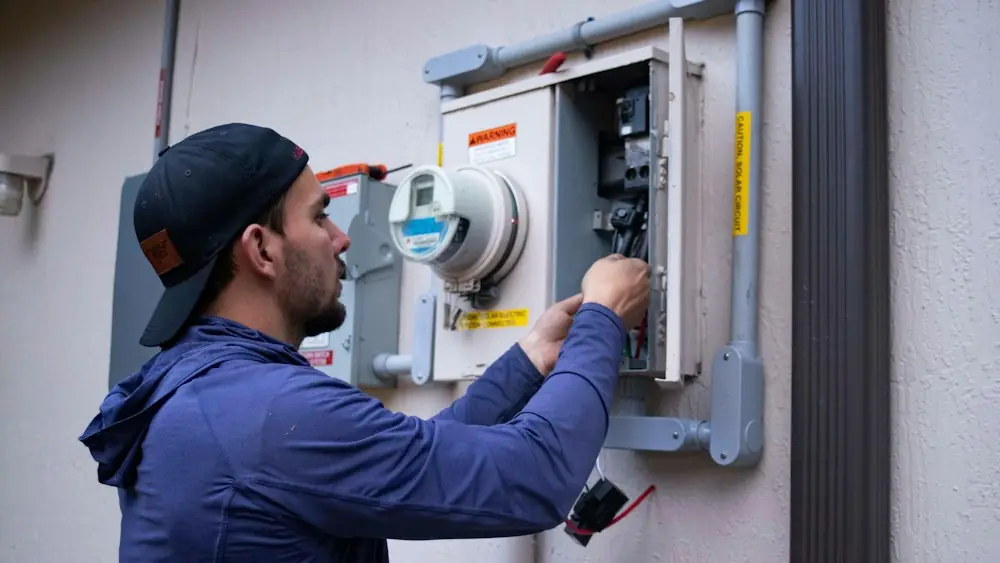
Electrician working on a home's electric meter
After-hours assistantSample UI
Missed call · 9:42 pm
Auto-replySorry we missed you. What's going on? A photo helps us quote faster.
Half the house lost power and the breaker won't reset
IMG_2214.jpgPhoto of the breaker panel
AI assistantThanks. Please don't open the panel. We've flagged this as urgent and someone will call you first thing.
New job card
UrgentElectricalNo power1 photo
Workflow 03 · AI automation

The phone rings at 9:42 pm. Nobody answers. The job still gets logged.

We set up AI automation that texts back missed calls, asks your intake questions, collects photos and creates a job card, then pings you when something is urgent. It follows rules you approve and hands off to a person whenever it should.

  • Missed-call text-backSo the caller doesn't just ring the next name on the list.
  • Quote follow-upsGentle nudges after an estimate goes out, stopped as soon as they reply.
  • Your rules, your wordingWhat it may say, when to escalate, and what it should never promise.
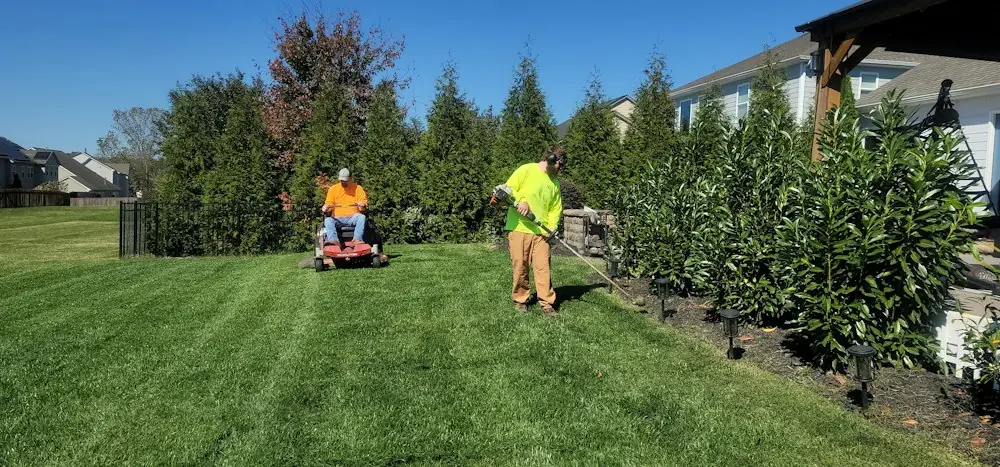
Lawn care crew mowing and trimming a large residential lawn beside a row of shrubs
Do you serve my area?Sample UI

Demo list: 12345 and 54321 are covered.

/north-side/riverside/east-hills
Workflow 04 · Service area

Say yes or no before the form.

A ZIP checker tells visitors whether you cover them, so out-of-area requests stop eating your evenings. Each town you serve gets its own page with real, specific content and LocalBusiness structured data. No thin copies with only the city name swapped, and no pages for places you don't go.

  • Near-miss handlingJust outside the line? Route them to a "tell us where you are" message instead of a flat no.
  • Matches your Google profileSame areas, hours and services everywhere search engines look.
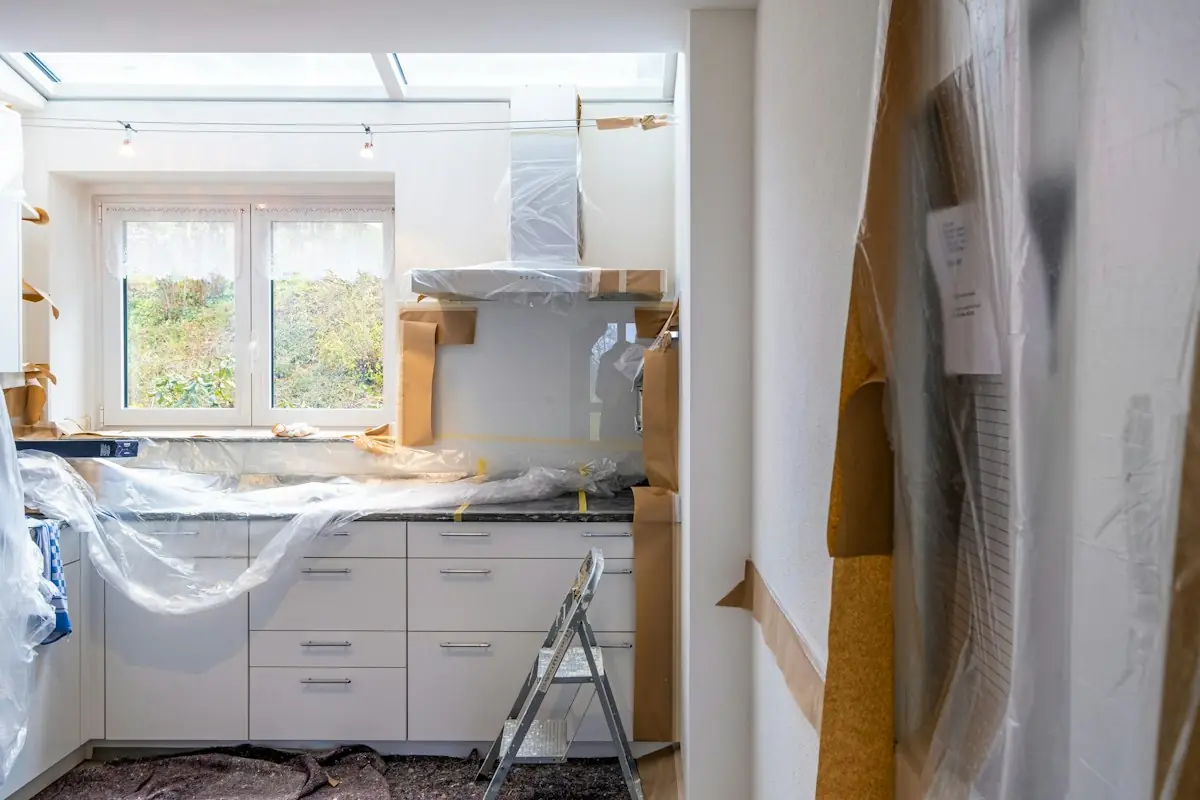
Before: a kitchen mid-renovation with cabinets wrapped in plastic and paper on the floor
After: a finished kitchen with white cabinets, hexagonal wall tiles and a marble island
BeforeAfter
Sample: two different kitchens, used only to demo the sliderDrag the handle

03Show the finish

Your work sells the next job.

Homeowners want to see what you did for someone like them. We build galleries around your real project photos, with drag-to-compare before and afters, filters by job type and a review wall that links back to your Google profile.

  • Your photos, with permissionShot on the job, compressed to load fast on a phone.
  • Sorted the way they searchKitchens, baths, roofs, yards: by room, surface or service.

04What we build

Two core jobs. A full toolbox.

Website design and development, and AI automation, are the main work. Everything else on the list supports them and runs on the same production stack behind our other builds.

Job sheetcontents
CoreWebsites · AI automation
Supporting10 tools
Core 01

Websites that win the call

Mobile-first sites that load fast, read clearly on a phone in a driveway and put the call, the quote and the booking one thumb away. Your license, insurance and real project photos where people look for them.

  • Design + development
  • Quote and booking flows
  • Galleries & reviews
  • Local SEO built in
Core 02

AI automation that works the phones

Automations that answer, sort and follow up while your crew works: missed-call text-back, intake questions, reminders, estimate follow-ups and review requests. Built on rules you sign off, with a clear handoff to a person.

  • Missed-call text-back
  • Intake + triage
  • Follow-ups
  • Review requests
T-01Booking calendarReal availability for estimates and visits, with confirmations.
T-02Accounts + Google sign-inCustomers see bookings and rebook in a tap.
T-03Quote formsMulti-step, photo-friendly, built to finish on a phone.
T-04ZIP area checkerCover or decline instantly, before anyone types.
T-05Galleries + reviewsBefore and afters and a review wall linked to Google.
T-06Local SEOLocalBusiness markup, unique area pages, fast code.
T-07Google + Meta adsCampaigns pointed at pages built to convert, tracked.
T-08Clarity insightsHeatmaps and recordings show where visitors give up.
T-09Careers formsHire techs and installers; leads stay in their own inbox.
T-10Live chatA chat widget wired to your team for visitor questions.

05How it works

Measured, scoped, then built.

We scope in writing, show you a working preview early and stay accountable after launch. Fixed fee, and honest if we're not the right fit.

Step 01

We listen

Your trade, service area, busy season and the jobs you want more of.

Step 02

We scope in writing

Pages, forms, calendar rules, automations, timeline and fee, agreed before work starts.

Step 03

We build and show

A working preview early, tested on real phones and shaped by your feedback.

Step 04

We launch and stay

Google profile alignment, tracking, ads if you want them, and support afterwards.

06FAQ

Straight answers.

Something else on your mind? Call (202) 474-3630.

Carpenter in an orange high-visibility vest drilling into the wooden siding of a house
Do you build websites, AI automation, or both?

Both, and they work best together. The website brings in calls, quotes and bookings; the automations handle the follow-through: missed-call text-backs, intake questions, reminders, estimate follow-ups and review requests. You can start with either.

Can customers really book a time on the site?

Yes. The calendar uses availability rules you set, such as working hours, visit length and buffer time, and sends confirmations to the customer and your team.

Do you handle emergency call-outs?

The site puts a tap-to-call button on every screen and a separate urgent path, so emergencies skip the form. Whether you answer after hours is your call; we can show different messaging by time of day.

What does the AI assistant say to my customers?

Only what you approve. We write the questions, answers and limits with you, including when it should hand off to a person and what it should never promise, such as prices or arrival times you haven't confirmed.

How does the service-area checker work?

You give us the ZIP codes you serve. Visitors enter theirs and see a clear yes or no. Near-misses can go to a "tell us where you are" message instead.

Can the site show our license and insurance?

Yes, in a fixed block that appears across the site. You supply the details; we display them. License rules vary by state and trade, so confirm what applies to you.

Do you help with Google Business Profile and Local Services Ads?

We align your site with your profile and set up the tracking. Local Services Ads have their own license, insurance and background-check verification run by Google, and requirements vary by category and location. We can walk you through what you'll need.

Can you link to financing?

Yes. If you already work with a financing provider, we add their application link to quotes and pricing pages. We don't provide financing ourselves.

What does it cost?

Every engagement is fixed-fee and quoted in writing after a short conversation, since scope varies by trade. Book a 30-minute intro and you'll have a number without pressure.

07Start here

Let's get your phone ringing for the right jobs.

A 30-minute intro, no pitch deck. Tell us your trade and where you work, and we'll tell you honestly what we'd build.

Call Book a 30-min intro