See what your visitors actually do.
Google Analytics 4, Microsoft Clarity session insights and clear dashboards, set up properly, plus a plain-English view of what to fix next.
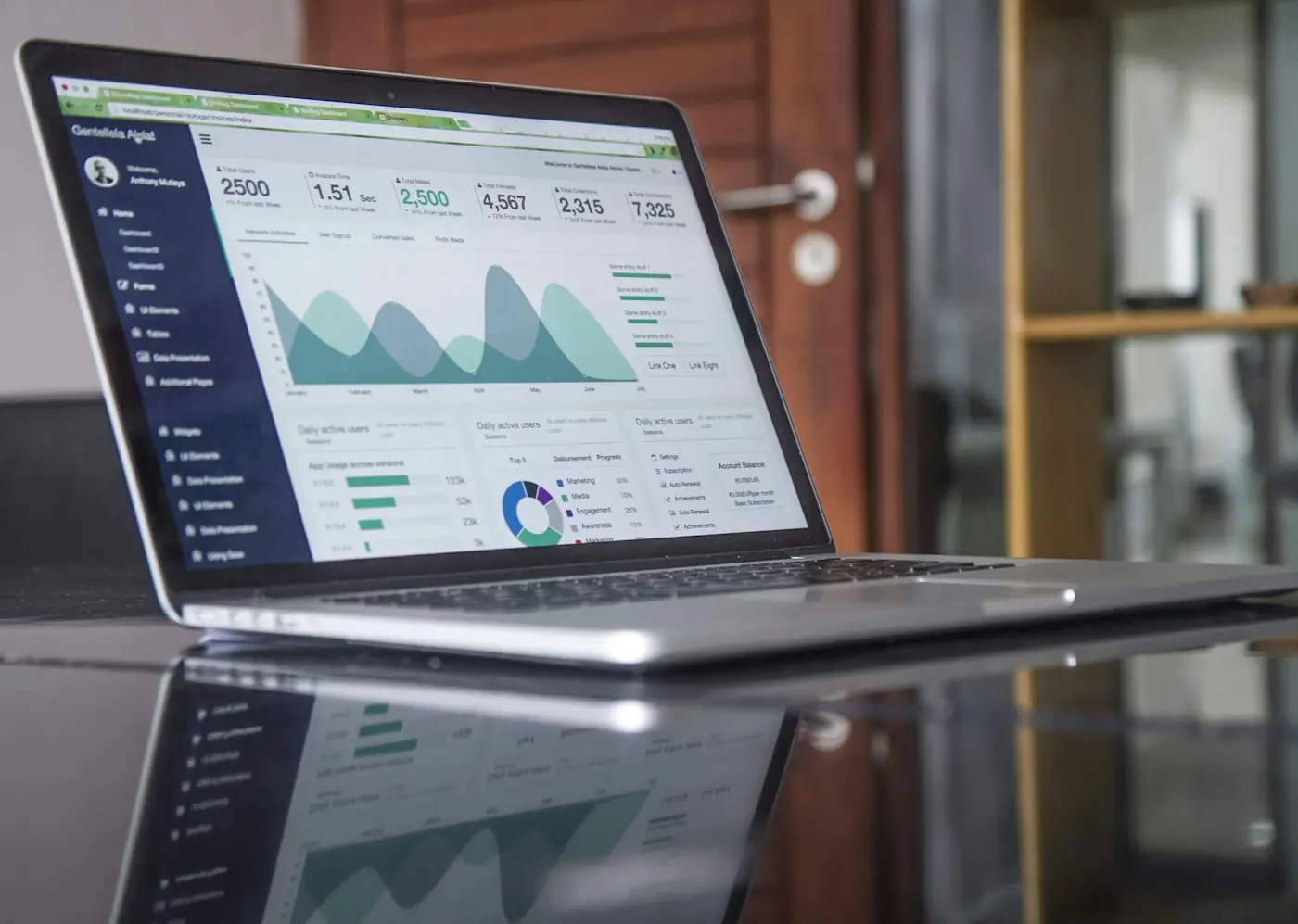
Clear answers, not more dashboards.
Where visitors come from, what they do on your site and why they leave, set up so the numbers mean something.
Google Analytics 4
GA4 installed and configured, with the events that matter to your business.
- Traffic sources and landing pages
- Calls, forms and bookings as conversions
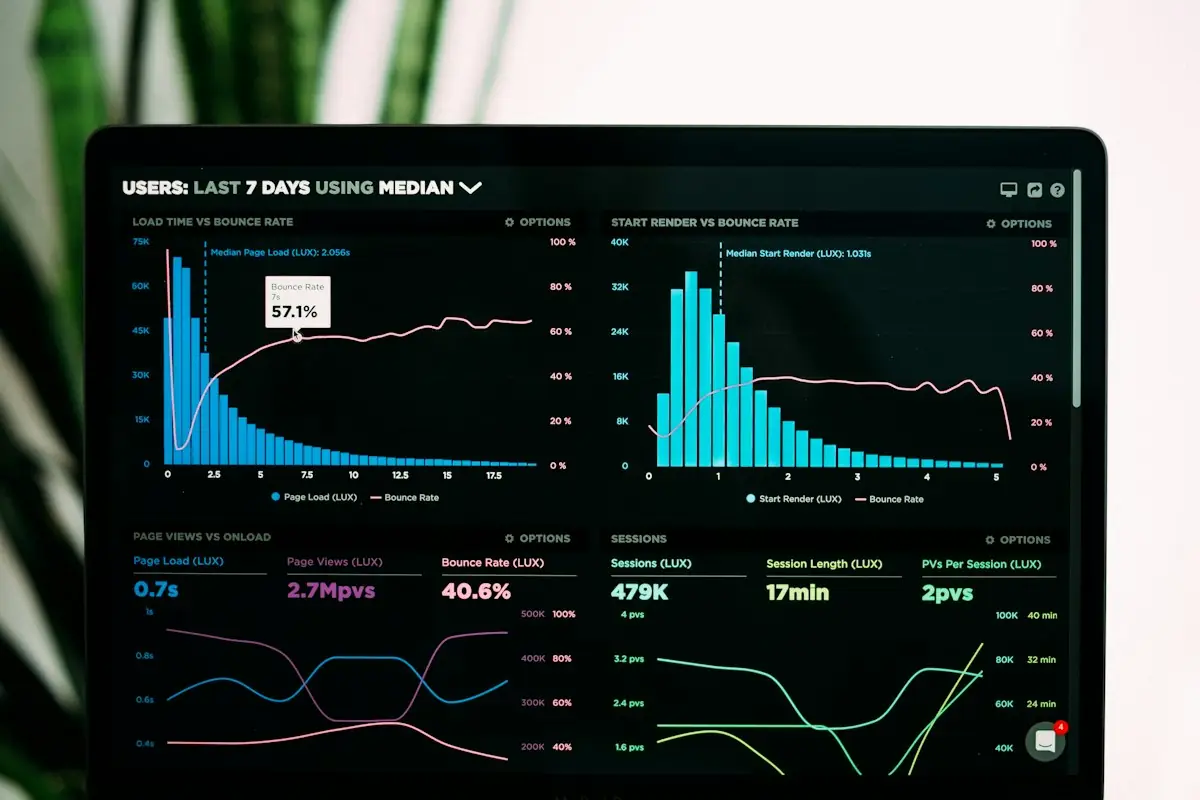
Clarity heatmaps
See where people click, how far they scroll and what they ignore.
- Click and scroll heatmaps
- Rage-click and dead-click signals
Session recordings
Watch real visits, with sensitive inputs masked, to see exactly where people get stuck.
- Filter by page, device or source
- Spot broken buttons and confusing steps
 04
Dashboards
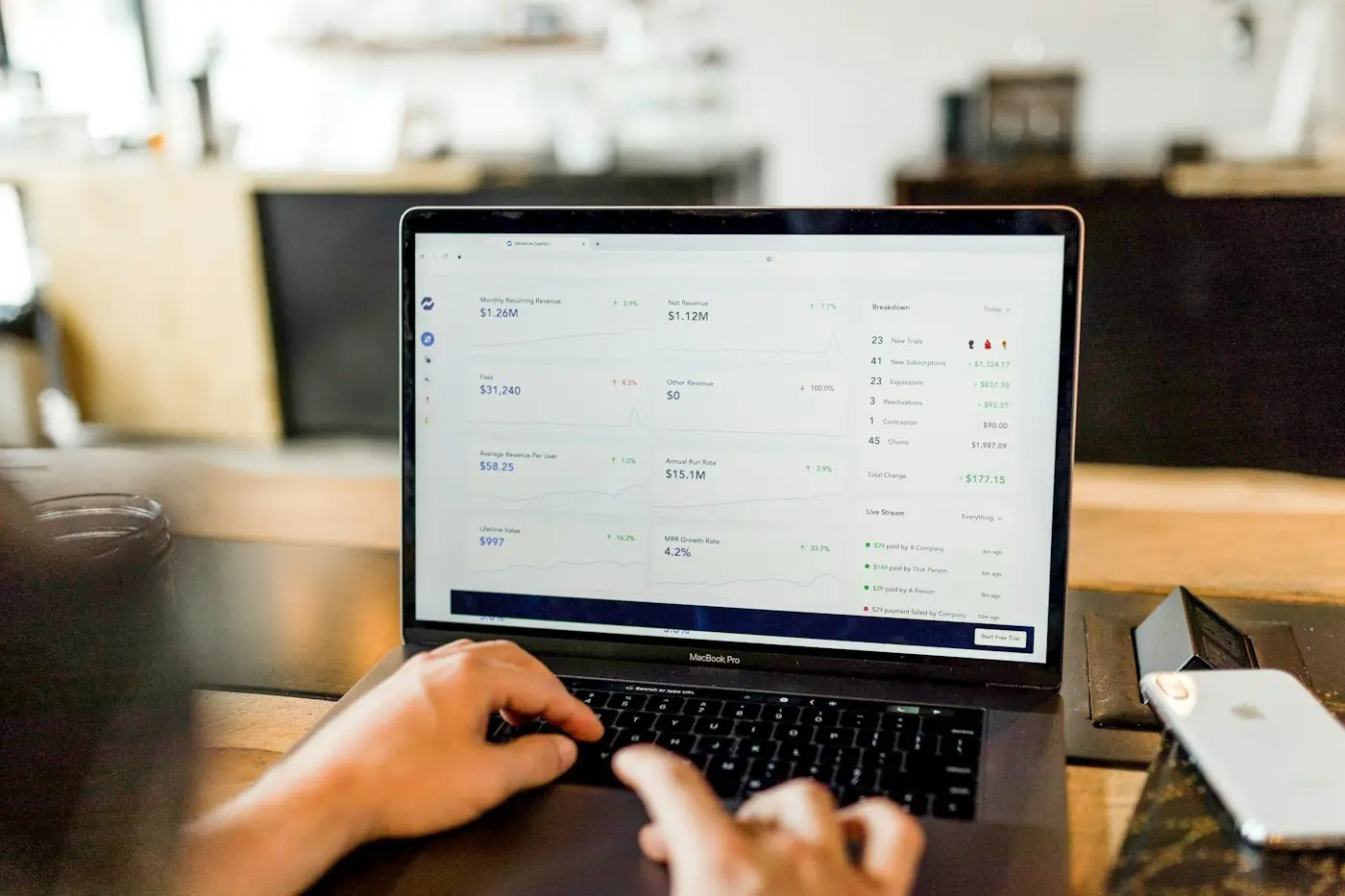
One dashboard with the numbers you check every week, built in Looker Studio.
- Visitors, leads and bookings together
- Shared with your team
Conversion tracking
Calls, forms and bookings tracked as conversions through Google Tag Manager.
- Google Tag Manager setup
- Tested end to end
 06
What to fix next
A monthly insights report: what happened, what it means and what to do next.
- A plain-English summary
- A short, prioritized fix list
- GA4 setup
- Google Tag Manager
- Microsoft Clarity
- Conversion events
- Looker Studio dashboard
- Consent settings
- Monthly insights report
- Prioritized fix list
From guesswork to clear answers.
We fix the tracking first, then turn the data into a short list of things worth changing.
- Audit your trackingWe check what's installed today, what's missing and what's recording the wrong thing.
- Set it up rightGA4, Tag Manager and Clarity configured, with your key conversions tracked.
- Build your dashboardOne view of visitors, leads and bookings, shared with your team.
- Review monthlyA plain-English report on what changed and the next few things to fix.
Numbers you can act on.
Analytics shows where people come from. Heatmaps and recordings show why they leave. Together they tell you what to fix next.
Insights shaped for your sector.
Six industry editions, each with analytics and conversion tracking ready from launch day.
 HealthcareSee which services and pages lead to appointment requests.See the healthcare edition
 TransportTrack quote requests by service, route and traffic source.See the transport edition
 SportsSee which classes, courts and offers drive sign-ups.See the sports edition
 TradesKnow which jobs and areas bring calls and quote requests.See the trades edition
 HospitalitySee what drives reservations, orders and event inquiries.See the hospitality edition
 Professional servicesTrack which practice areas lead to consultations.See the professional services edition
Website design by business type
We keep a page for each field we build for most, with the pages, features and questions that matter in that trade. If yours is here, start there: cleaning companies, home care agencies, movers, contractors and trucking companies.
Good to know.
Anything else, ask us directly. You'll get a straight answer.
I already have Google Analytics. Do I need this?
Often the code is installed but nothing useful is tracked. We audit what's there, fix it and add the conversions that matter, so the numbers mean something.
What is Microsoft Clarity?
A free tool from Microsoft that shows heatmaps and session recordings of how people use your site. We set it up alongside GA4, so you see both where visitors come from and what they do.
Is session recording privacy-safe?
Clarity masks sensitive text and form inputs by default, and we configure consent settings to match how you collect data. Recordings show behavior on the page, not who someone is.
What does the monthly report include?
What happened, what it means and what to do next: traffic, sources, conversions and a short list of fixes, in plain English.
What does it cost?
Every engagement is fixed-fee and agreed in writing before work begins. We confirm the fee for your scope after a short conversation.
Everything else you need to grow.
- Web Design & DevelopmentFast, mobile-first websites with booking and login built in.Explore
- AI AutomationRemove repetitive work with dependable, tested automation.Explore
- Digital Business LaunchDomain, business email and core tools, set up properly.Explore
- SEO & Local SearchBe the business people find first, on search and Maps.Explore
- Google & Meta AdsPaid campaigns built around your margins, tracked to the booking.Explore
- App DevelopmentMobile and cross-platform apps, from first sketch to the app store.Explore
- IT ConsultingPractical technical advice without a full-time hire.Explore
- Free website previewWe build a working preview of your new site first, so you can click through it before you pay.Request yours
Let's find out what's working.
Tell us about your site and what you want to understand. You'll receive a considered reply within one business day.